
In today’s digital era, where every business strives to build a unique identity, a logo has become a crucial element of brand communication. However, hiring a professional graphic designer can be costly—especially for small businesses or startups.
The good news is that there are now many free logo design websites with no watermarks that allow you to create beautiful, professional logos on your own.
Build a standout brand effortlessly with 10 free logo design websites ready to use.
In this article, Digital Factory will take you on a tour of the most popular “Free Online Logo Design Websites”. Let’s explore which platforms are worth checking out!
1. Canva
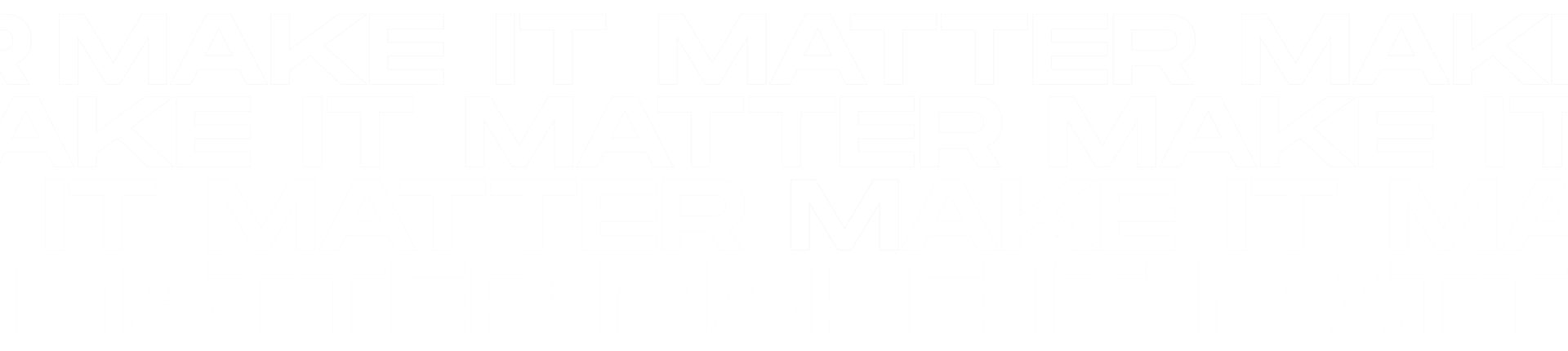
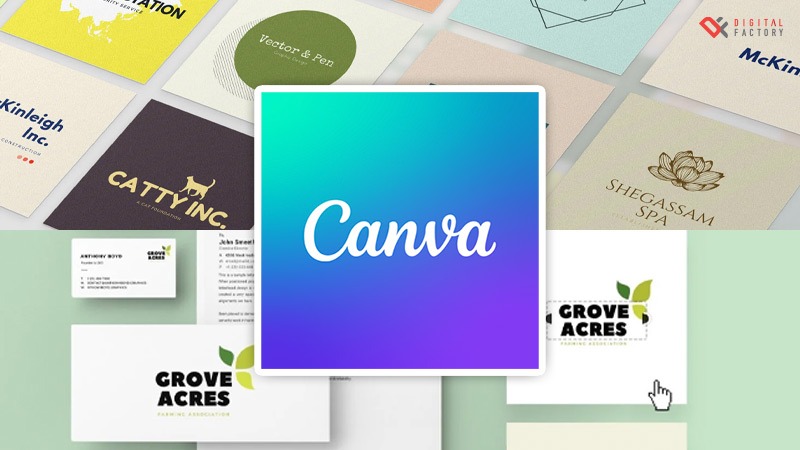
Canva is one of the most popular free logo design and online graphic design platforms, widely known for its ease of use. It’s ideal for anyone who wants to design a logo without advanced graphic design skills.
One of Canva’s key features is its wide variety of logo templates covering multiple styles, making it easy to find one that matches your brand. You can also download your logo in high-resolution formats, ready to use across different media platforms.
2. Ucraft
Ucraft is another great option for those who want to design a logo on their own. Its standout feature is an easy-to-use customization tool that allows you to freely adjust colors, fonts, shapes, and add various design elements.
With a wide selection of icons available, Ucraft makes it easy to create a unique and distinctive logo that reflects your brand identity.
3. Crello
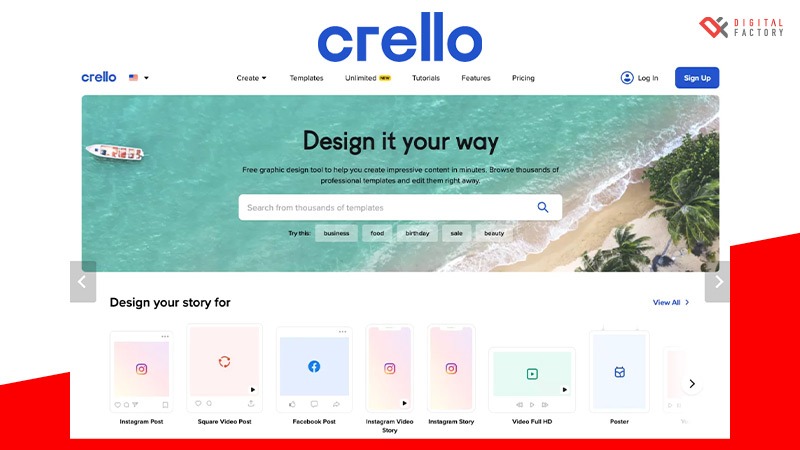
Crello is another popular online graphic design tool, especially for those who want to create a wide range of designs—from logos and posters to social media graphics and banners.
One of its standout features is its extensive library of tens of thousands of templates covering various design categories, making it easy to find one that fits your needs. It also offers a variety of effects and animations, allowing you to create more engaging and dynamic visual content.
4. Looka
Looka is another online logo design tool that has gained significant attention. Powered by AI technology, it helps generate logos that match your preferences quickly and easily.
With a large icon library to choose from, Looka enables you to create a distinctive and unique logo for your brand.
5. FreeLogoServices
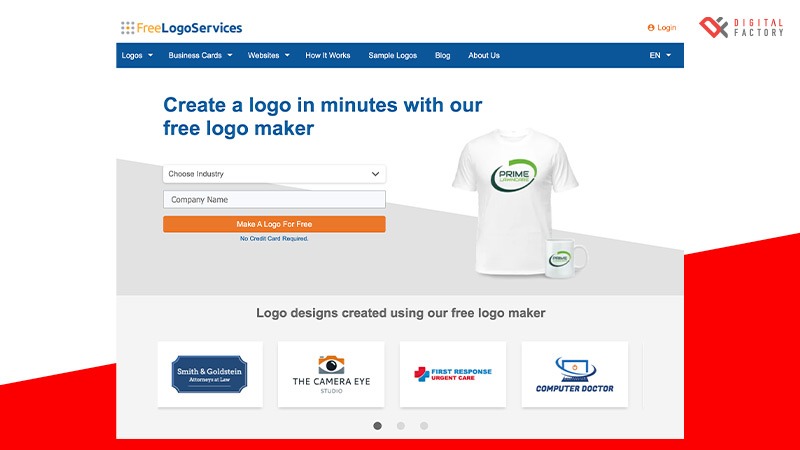
FreeLogoServices is a popular online logo design website—its name says it all. The platform supports multiple languages, making it convenient and accessible for users worldwide.
However, compared to other platforms, its customization options may be more limited, which could make it harder to create a logo that perfectly matches your specific needs.
6. Logaster
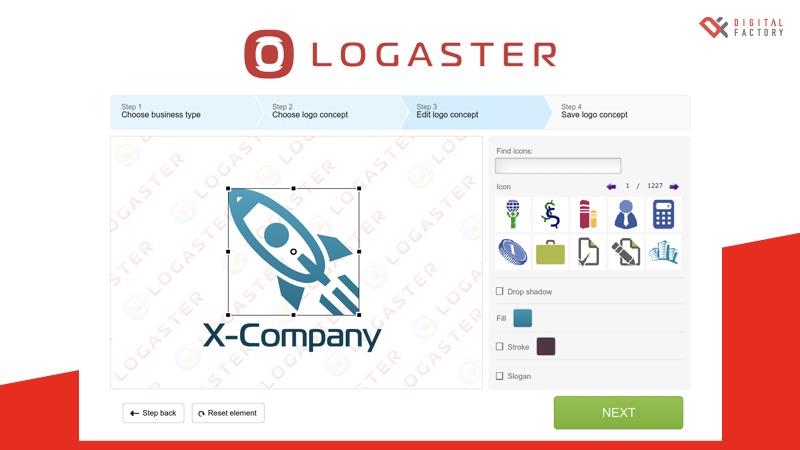
Logaster offers features similar to Looka, as it also uses AI technology to assist users in creating logos. This allows business owners and brand creators to design their own logos without needing any prior design experience.
7. DesignEvo
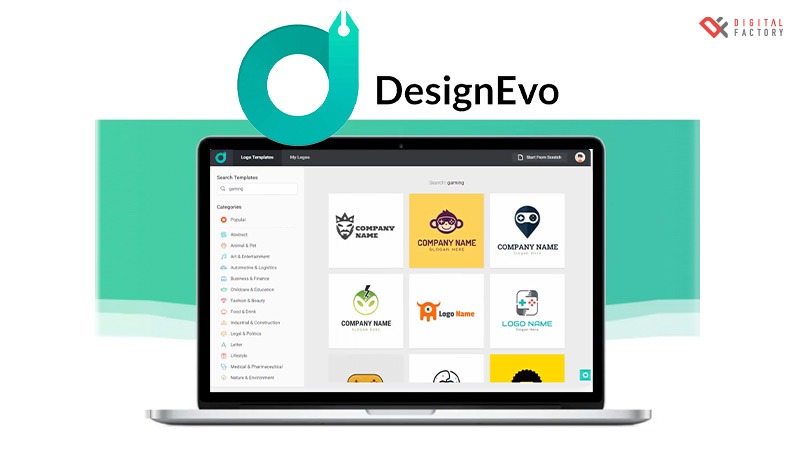
DesignEvo feels like a combination of features from many logo design platforms. It offers a wide range of logo templates, easy-to-use customization tools, and a large library of images and icons.
It is also budget-friendly, with multiple pricing plans available—including both free and paid options—allowing you to choose a package that best fits your needs and budget.
8. Pixlr
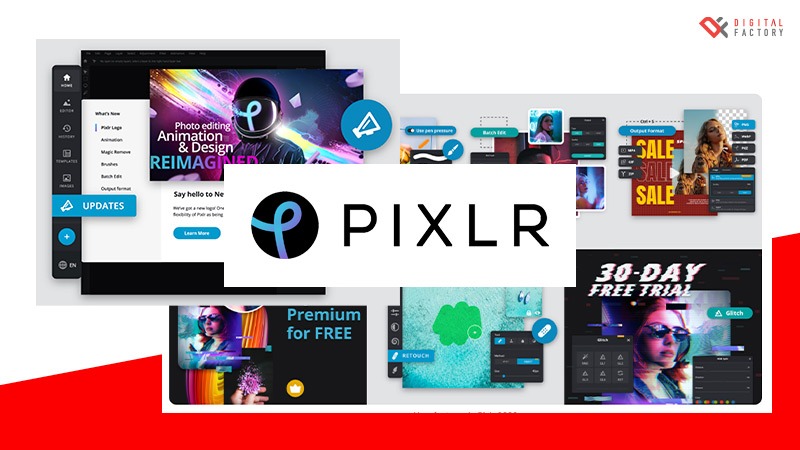
Pixlr is widely known as an online photo editing tool—but did you know it also offers features for easy logo design?
One of Pixlr’s standout features is its AI-powered technology, which helps generate images and design elements, making it easier to create unique visuals. It also includes powerful editing tools that allow you to fine-tune colors, sharpness, and apply various effects, giving you greater control over your logo and graphic designs.
9. Adobe Spark
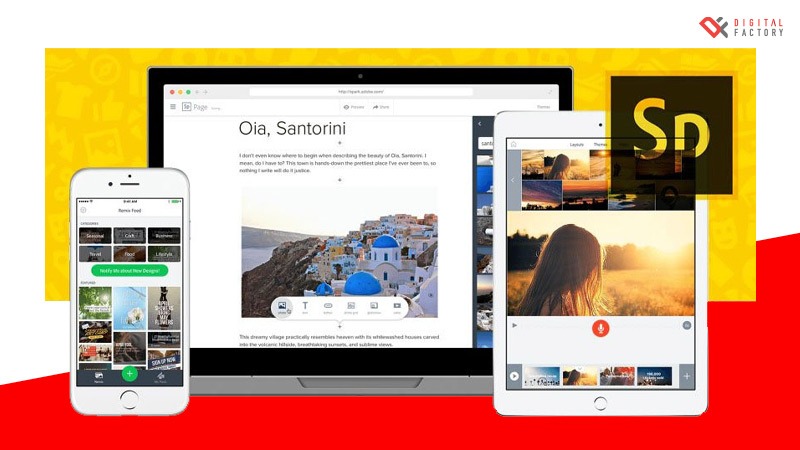
Adobe Spark is an online graphic design tool developed by Adobe, a globally recognized leader in creative software.
With its user-friendly interface and versatile features, plus the ability to sync with Adobe Creative Cloud, Adobe Spark is a strong choice for anyone looking to create beautiful, professional logos—without needing advanced design skills.
10. Gravit Designer
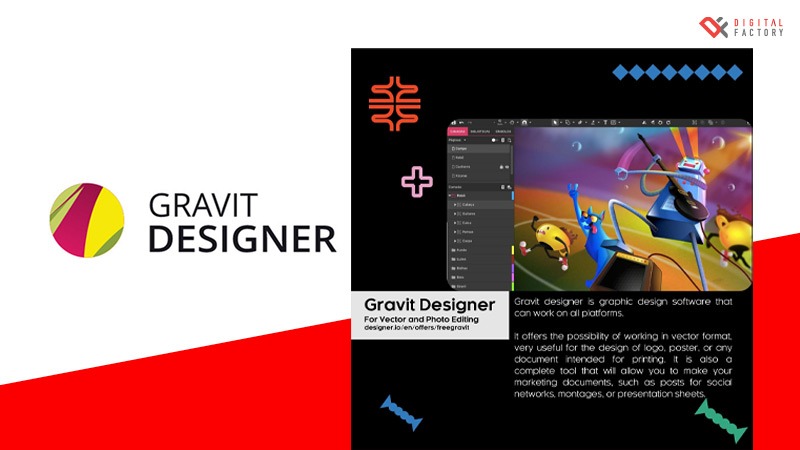
Gravit Designer may not be as familiar to beginners, but for professional graphic designers, it is a highly capable and impressive tool.
With comprehensive features and advanced customization options—including powerful vector design capabilities and efficient layer management—Gravit Designer allows users to create stunning, professional-quality logos with precision and flexibility.
Conclusion
Ultimately, choosing between an online logo design website and hiring a Graphic Design Service depends on your budget, timeline, and specific needs.
If you’re looking for a simple and quick logo, online logo makers are a great option. However, if you want a highly unique and customized logo, hiring a Graphic Design Service would be the more suitable choice.